Whats Really New in the New Default OpenCart Theme in 2.0?
OpenCart 2.0 was released just a day ago and as developers we are very excited about it. There are a lot of new things that we would like to share with people who are still unsure which e-commerce to choose, existing store owners and organizations, so we decided to do a series of articles depicting the highlights both visible and below the hood. In the first article we will review the new brand new polished default OpenCart theme.
Home Page:

If you are running an e-commerce shop you’d better have a sexy and user friendly website. The new default OpenCart theme is running on the popular Twitter Bootstrap which throws complexity away and gets your attention as a customer to what is important. First impressions are: wider container, a slicker and more modernistic outlook with an overall improved navigation, search bar, product view and carousels. Speaking about navigation, it provides an easy way to view all products under a category that has subcategories. It may sound a bit complicated but see it and you’d love it. One thing we particularly like is the huge banner that played right can make a statement. The home page product view (Featured, Bestsellers and Latest) have also been redesigned and polished. One thing we believe could be improved, although sujbective, is the use of colors for the buttons and actions, but still this the default theme is a big leap forward.
On Category:

Once we get to the category page we see the new pointy breadcrumb with more refined category view, improved boxes and containers and some cool animations and hovers.
Product Page a.k.a. Money Page:

Jumping to the product page, again we see more refinements and polishes than brand new functionality. Product images container is more wide and modernistic. Tabs are also clean and easy to use and notice. I am quick to press the Add to Cart button to see if there are any changes there.
View Cart:
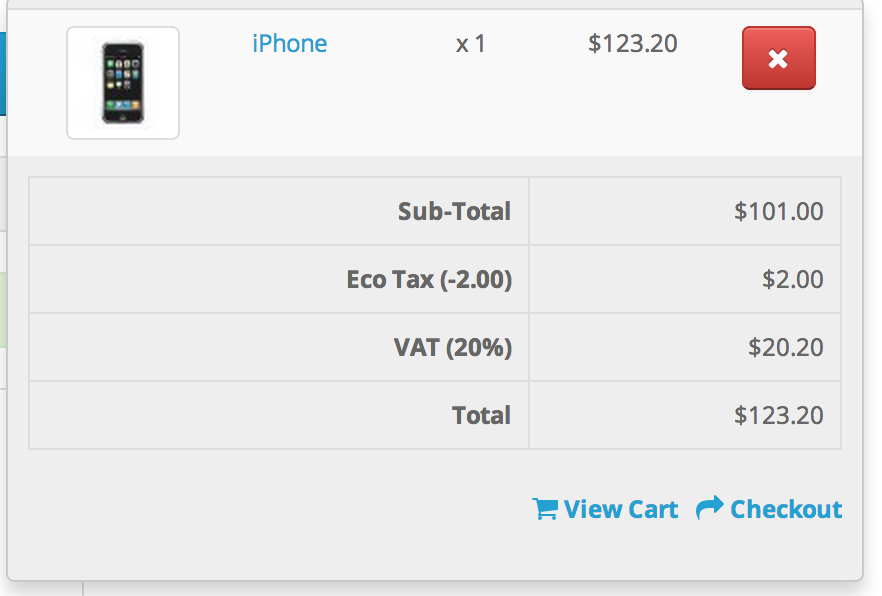
First stop is the View Cart. Few moderate changes and styled containers. One thing that keeps all my attention is that huge red delete button, it is just the first thing I notice. Still our aim is to go to the checkout so lets press Checkout.
Checkout Page:

The checkout features the same guiding 6-Step-Process with an updated look and feel.
II. The Difference Starts Here
With each year smart phones and tablets are penetrating the tech market getting an ever bigger marketshare. How does this matter if you are running an online e-commerce store? A couple of weeks back, we have read an article that for the first time in history more customers shopped online via their smart phone and tablet compared to a computer. Unless you want to miss these 51%+ of visitors you’d better have a mobile and tablet optimized website. There are many modules and themes available in different OpenCart marketplaces for those that want to minimize their expenses. Mobile and tablet still account for up to 40-50% of the price of your web store project, so is there a way to have a mobile and tablet representation outside of shedding some extra cash? Yes, with the new OpenCart default theme you get a seamless mobile and tablet experience.

Now, we can get into detail on this as well but I’d say its best to test and see it yourself. It just touches on all the essentials - adapting styles for smaller screen, lean menus, impeccable user experience and point toward the important - buying a product.
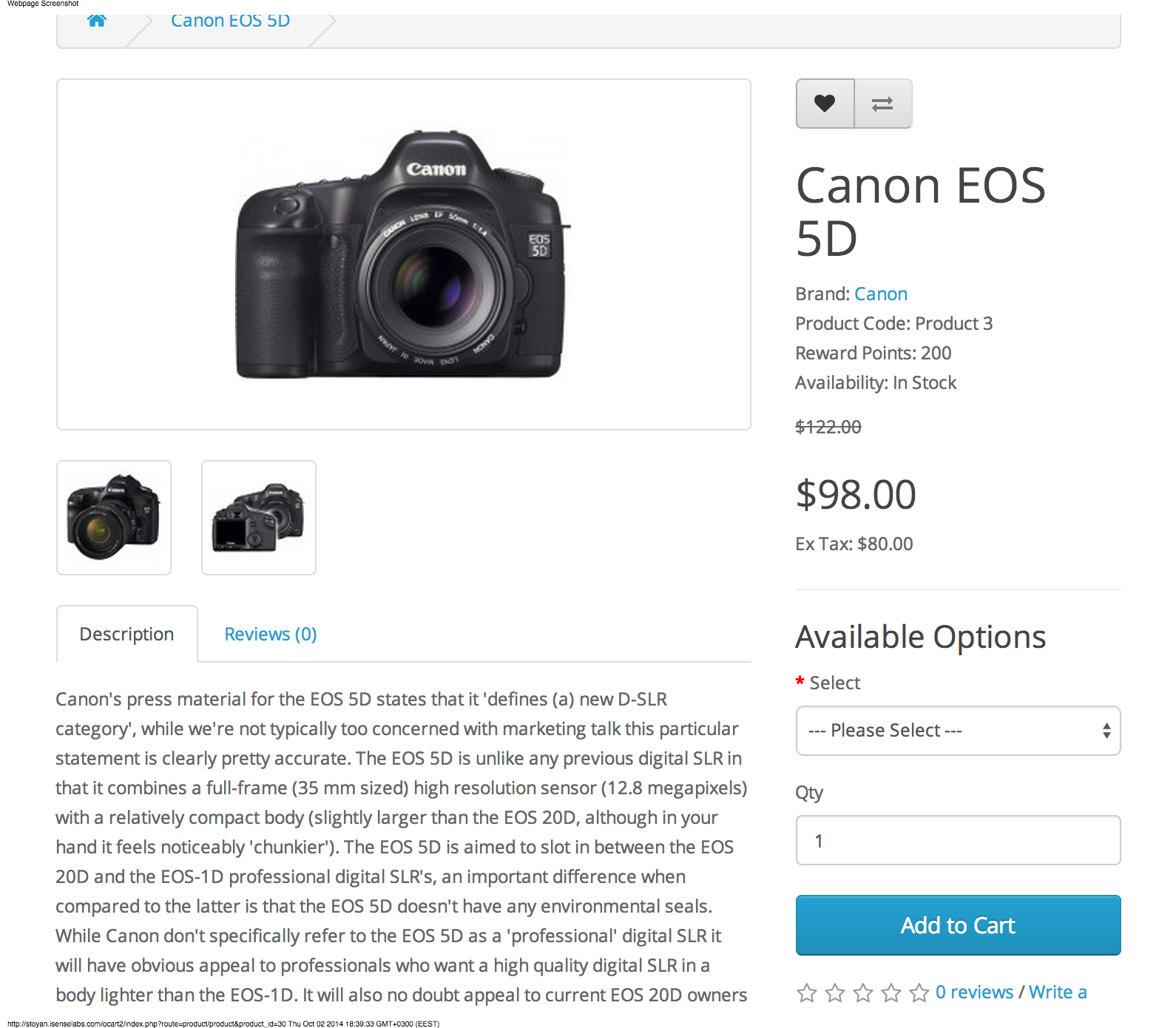
In conclusion OpenCart 2.0 front-end page is a great leap forward. It features an awesome mobile and tablet experience. It comes in much refined and modernized forms, so starters can make a store that looks professional and stands big. Last but not least it reminds me of one of the 10 principles Dieter Rams, who says that good design is as little design as possible, concentrating only on the essentials, cleverly leading you toward the desired outcome by an invisible hand.
View a demo of OpenCart 2.0 here. We already started adapting our OpenCart modules for OpenCart 2.0. You can view our comprehensive product list here. You can inquire about OpenCart 2.0 migration and any related services to OpenCart 2.0 by getting in touch with us via our sales mail available on the bottom of the page.
